 WowAddons
Polyglotte
di ludus
Non si è aperto niente? Ti serve WowAddons, gratis: mette Polyglotte nel tuo gioco con un clic e lo tiene aggiornato.
- Scarica per Windows poi aprilo.
- Installa Polyglotte: WowAddons lo aggiunge al tuo gioco.
WowAddons funziona sul tuo computer: apri questa pagina da lì.
A mano, senza WowAddons: lo .zip, da estrarre in World of Warcraft/_forever_/Interface/AddOns.
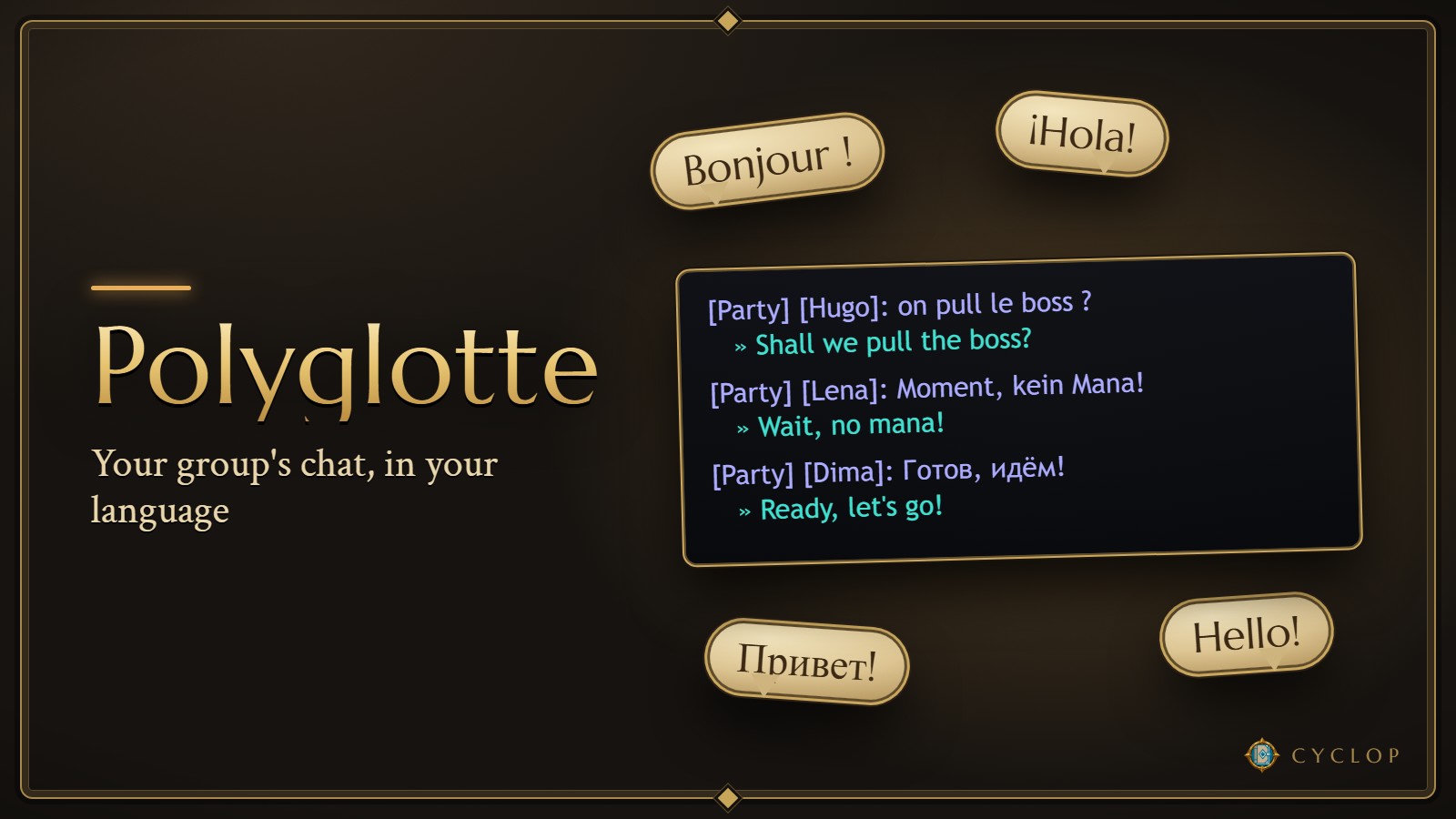
Dungeon group translator: what your group writes in French, English, German, Spanish or Russian shows in your language, in turquoise, and a panel sends the usual calls (ready, wait, mana, kick...) in every language of the group. Works offline. /trad
Polyglotte translates your dungeon group's chat into your language. When a player writes in French, English, German, Spanish or Russian, the words it knows show again under the message, in turquoise, in yours. It works offline, from its own dictionary.
What it translates
- The group, raid and instance chat, whispers, the group-finding channel, and /say or /yell inside a dungeon.
- Dungeon calls and slang: pull, wait for mana, kick, CC, "ta pull toute l'armée", "esperad", "жду ману"...
- Classes, roles, loot words, and every WoW Forever dungeon's name and nickname (SFK, BRD, Mortemines, Todesminen...).
- Only the words it knows: a sentence it does not know stays as it was written.
The panel
- It shows by default in a group or a dungeon, with the usual calls: Ready?, Wait!, Mana break, Pulling, Interrupt!, Crowd control!, Thanks...
- A click sends the sentence in every language of the group: yours, the one each player's Polyglotte announces, the one guessed from what the others write, English for the rest.
- Its X hides it;
/trad panelbrings it back. Drag it where you like.
Commands
/tradthe options;/trad onoroff./trad lang fr(en, de, es, ru, auto) the language you read./trad color 2ee6d6the colour of the translations./trad test <text>what Polyglotte shows for a text.
Commenti
Cosa funziona, cosa si rompe, cosa vorresti dopo: l’autore legge tutto qui.
Accedi per lasciare un commento
Ancora nessun commento.